
Turn Real-Time Data Into Safer, Smarter Fleet Inspections
Pulling trucks off route for fixed-schedule fleet inspections sounds simple, but it can eat up hours of driving time every week. Trucks sit, drivers wait, and loads run late, even when some vehicles do not really need to be in the shop at all. At the same time, hard-working units can slip through the cracks and end up with surprise breakdowns.
With telematics and preventive maintenance, or PM, triggers, you can flip that script. Real data from your vehicles shows which units truly need attention, based on how they are driven, where they run, and what their engines are telling you. That means inspections can line up with real wear and tear instead of a guess on the calendar.
In North Carolina, when summer heat, heavy AC use, and busy freight schedules all hit at once, this kind of smart planning matters even more. Well-timed inspections support uptime and help your drivers feel safer behind the wheel. At East Coast Fleet Service, we build our on-site inspection plans around this data-driven approach so fleets across the state can keep trucks working instead of waiting.
Why Traditional Fleet Inspection Schedules Waste Time and Money
A lot of fleets still rely on simple calendar rules for fleet inspections, like "every 90 days" or "twice a year." That sounds fair, but it treats every truck the same, even when their duty cycles are very different.
Here is where static schedules fall short:
- Low-use vehicles get serviced too often, even when components are still in good shape
- High-mileage or stop-and-go units do not get checked soon enough
- Shops get backed up during busy weeks, right when trucks should be on the road
The hidden costs pile up fast. Extra fuel to detour to the shop, driver time spent waiting for work orders, and late deliveries all hit your bottom line. Drivers can also feel frustrated if they are pulled off a productive route for checks that do not match what they see out on the road.
Seasonal factors make the gap even wider. In hot Carolina summers, AC systems run nonstop, cooling systems work harder, and roadwork can mean more stop-and-go traffic. That can speed up wear on:
- Brakes, from more frequent stopping
- Cooling systems, from higher temps and load
- Tires, from hot pavement and heavy weights
If your inspection plan does not adjust for those conditions, you risk both over-servicing and under-servicing at the same time.
How Telematics Powers Smarter Fleet Inspection Timing
Telematics takes what is already happening inside your fleet and puts it on a screen in front of you. In simple terms, telematics can pull together:
- GPS and route data
- Engine diagnostics and fault codes
- Mileage and engine hours
- Idle time and driving behavior, like harsh braking
When you tie your fleet inspections to this data, timing stops being a guess. You can set triggers so checks happen when a truck hits a certain mileage band, a set number of engine hours, or a pattern of fault codes.
Some practical examples include:
- Planning brake and tire inspections for trucks on high-mileage delivery routes before a period of heavy rain and storms
- Triggering a cooling system check when coolant temperature trends higher than normal, so you can address issues before a roadside overheat
- Scheduling quick on-site inspections when repeat fault codes appear, timed with natural breaks in the route or regular layovers
Because the timing is built around how each specific vehicle is used, inspections become more targeted. That usually means fewer surprise shop visits and less scrambling when a truck throws a code at the worst possible moment.
Building PM Triggers That Match Your Routes and Seasons
PM triggers are the rules you build inside your maintenance plan. They tell you, based on actual use, when a truck should be pulled in for certain checks or services.
Strong PM triggers usually follow a few simple steps:
- Set thresholds by vehicle type and duty cycle, like different rules for short-haul box trucks versus long-haul tractors
- Match triggers to route patterns, so you schedule checks when trucks already return to a hub or pass by a yard
- Tighten or relax some triggers as seasons change, especially for heat-sensitive systems when temperatures climb
For example, you might create tighter PM triggers for cooling systems, batteries, and tires during the summer months, since those systems experience more stress in hot weather. That way, you are not treating a truck that runs long uphill grades in the heat the same as one that does light, flat work.
It also helps to group work. When a trigger fires, you can pair multiple tasks into one on-site inspection stop, such as:
- Oil change
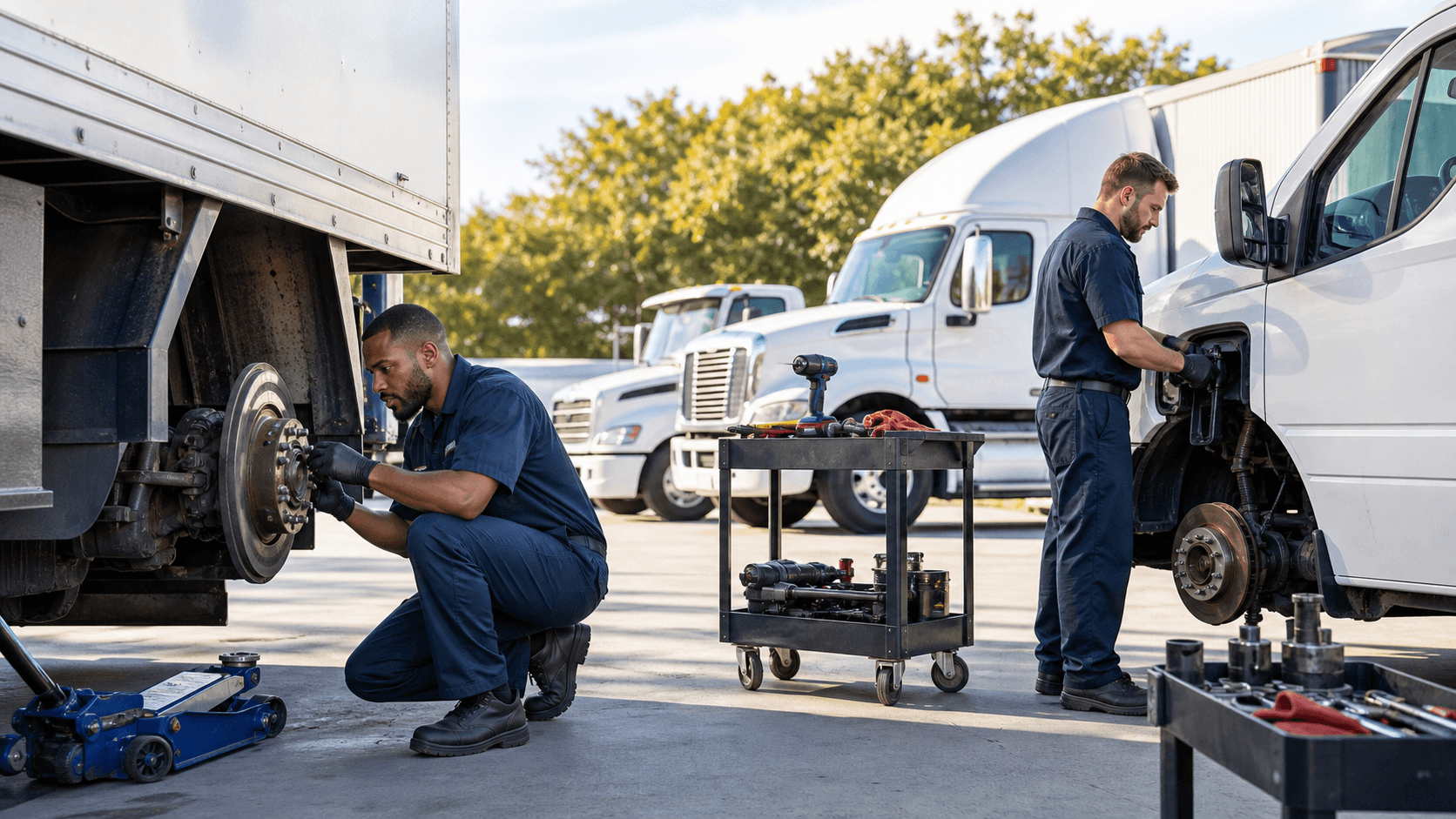
- Brake and tire inspection
- Fluid checks and top-offs
- Battery and basic electrical checks
Linking PM triggers with your compliance needs is another smart move. When inspection rules match your required intervals, you stay ahead of roadside and facility checks instead of racing to fix issues after a violation.
Coordinating Mobile Inspections Without Pulling Trucks Off Route
Once your data and PM triggers are in place, the next step is fitting fleet inspections into your real-world schedule. This is where mobile on-site service makes a big difference.
You can overlay telematics data with your dispatch plan to spot ideal inspection windows, such as:
- Early mornings, before drivers roll out
- Midday breaks at distribution centers
- Overnight parking at terminals or job sites
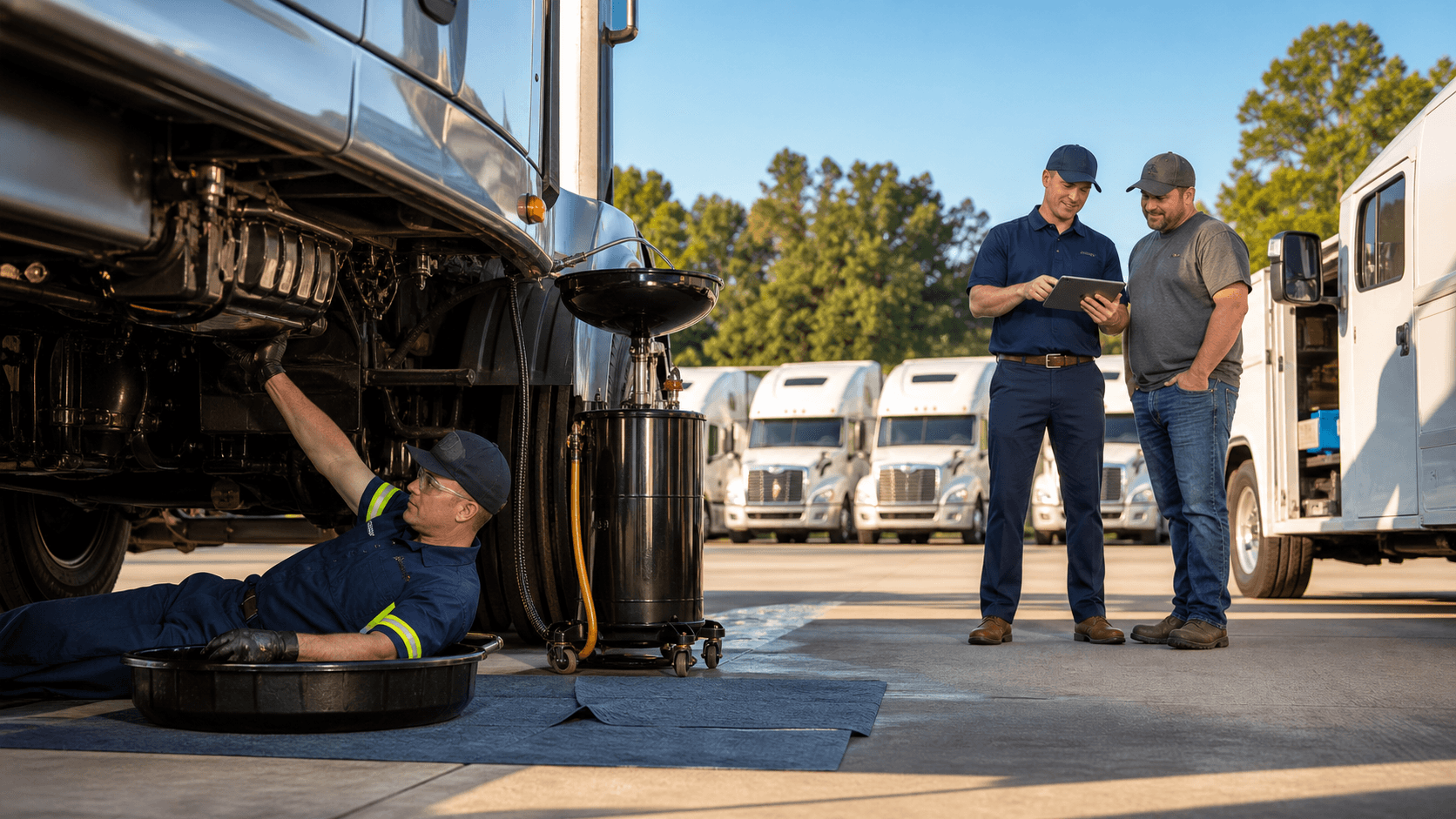
Instead of dragging trucks back to a central shop, you bring the service to the trucks. A mobile maintenance team can perform oil changes, tire work, brake checks, battery tests, and general inspections right where vehicles sit, while drivers are off the clock.
Some helpful scheduling habits include:
- Grouping inspections by route or region so multiple trucks get checked in one visit
- Using real-time location data to reshuffle the service plan if a truck is delayed or rerouted
- Planning higher-priority summer checks on cooling systems, tires, and brakes before holiday weekends and known peak shipping days
This style of planning supports uptime, but it also supports people. Drivers see that inspections are timed with their natural breaks, not slapped on top of an already long day. That can lead to better cooperation and smoother communication when something does need attention.
Turning Fleet Data Into an On-Site Inspection Plan
When telematics and PM triggers guide your fleet inspections, your trucks spend more time doing what they were built to do, which is move freight. Safety improves because you are addressing real issues early. Uptime improves because inspections fit the way your routes actually run, across North Carolina and beyond.
A simple way to get started is to focus on a few key steps:
- Pick three core data points that matter most for your fleet, such as mileage, fault codes, and harsh braking
- Create basic PM triggers tied to those points, like inspection bands for mileage and follow-up checks for repeat codes
- Test on a small group of vehicles, refine the timing, then expand the plan to more of the fleet
At East Coast Fleet Service, we build our mobile maintenance around this kind of data-driven thinking. By combining telematics, smart PM triggers, and on-site service, we help fleets schedule inspections that fit their routes, loads, and seasons, without pulling trucks off the road before it is truly needed.
Keep Your Fleet Safe, Compliant, and On the Road
Our team at East Coast Fleet Service is ready to help you minimize downtime and catch small issues before they become costly repairs with thorough fleet inspections. We come to you, so your vehicles spend more time working and less time in the shop. If you are ready to schedule service or have questions about your specific fleet needs, please contact us today.